
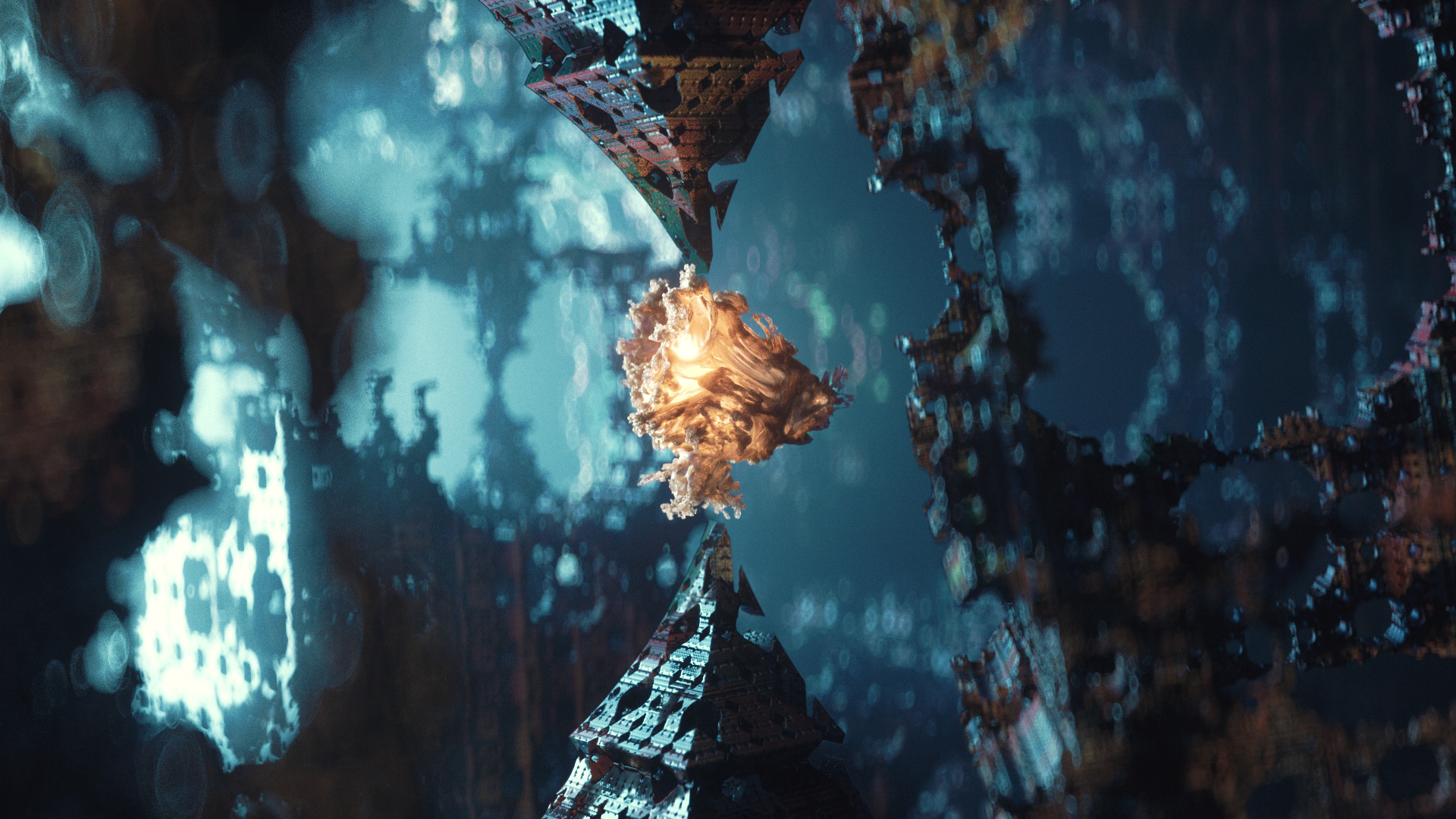
In this Cinema 4D Octane Render tutorial, David Ariew will teach you the ins and outs of Vectron, first with creating some organic looking animations, then with lighting and texturing various fractal forms. Next, we’ll render out a depth pass of the fractals and use that as a displacement map in another scene to create an ink on paper feel, as well as more extruded versions to create an animation that’s reminiscent of city structures growing. Finally, we’ll alter the code of a Vectron object and create our own fractal, which we’ll use in a larger scene with volumetrics for more of a sci-fi look.
Use offer code ARIEVBASH to get 15% off any Kitbash3D models!
Helpful Links David mentioned:
Guardians of the Galaxy Fractals
Want to see more tutorials from David? Be sure to show him some love, follow him on Twitter, Instagram and Facebook and leave some comments in the comments section & let us know about any Octane tutorials you’d like to see in the future!
Want more Octane Tutorials? Watch our Octane Tutorial Youtube Playlist!

I have version Octane V4.01.1-R2 and I’m not seeing vectron… How do you get it on octane?
Check the tutorial about 8 minutes in, David explains where to download the correct version!
I downloaded the correct version, it was a party like no other. My system start acting up, Octane was crashing all the time no meeter what I do.
Tutorial is great, I like David and the way he teach us to use the Octane on advance level.