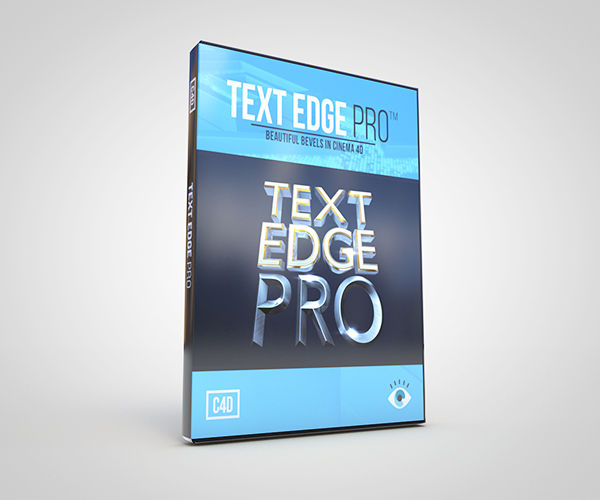
I am excited to announce the release of my new product, Text Edge FX! Text Edge FX is a must have tool for anyone who works with 3D type or logos inside of Cinema 4D. Sam Welker of thinkparticle.com & I have been working hard to create this preset that will immediately be a staple in your everyday 3D workflow. This is a preset based on my Edge Effects tutorial that is a tool that creates brilliant looking text and logos super fast! Text Edge FX is a quick and easy way to add custom bevels and edges that go above and beyond the already great bevel options in C4D! Along with applying bevels on your type, you can also put bevels on any spline shape you bring in, whether it be a logo made in Adobe Illustrator or a spline shape made directly in Cinema 4D. With it’s extremely intuitive controls, endless customizable options, and over 30 custom bevels and the ability to make your own custom bevel shapes, it’s essential for anyone who needs to make amazing looking text or logos instantly!
Check out Joren Kandel from The Pixel Lab‘s review of Text Edge FX here!
Version 1.2 Update Features:
• Individual controls for both front and back bevels
• Inner Bevel Kit bevels now integrated into Text Edge FX for easy access
Get Text Edge FX HERE!
Features include:
• Gorgeous looking text, super fast!
• Infinite bevel options including individual controls for both back and front bevels
• Full control of bevel & text subdivisions & phong angle
• Editable text capping & fillet edges
• Comes with over 30 custom bevel splines, including the Inner Bevel Kit
• Ability to use your own custom bevels
• Simple & intuitive interface & controls
• Free updates